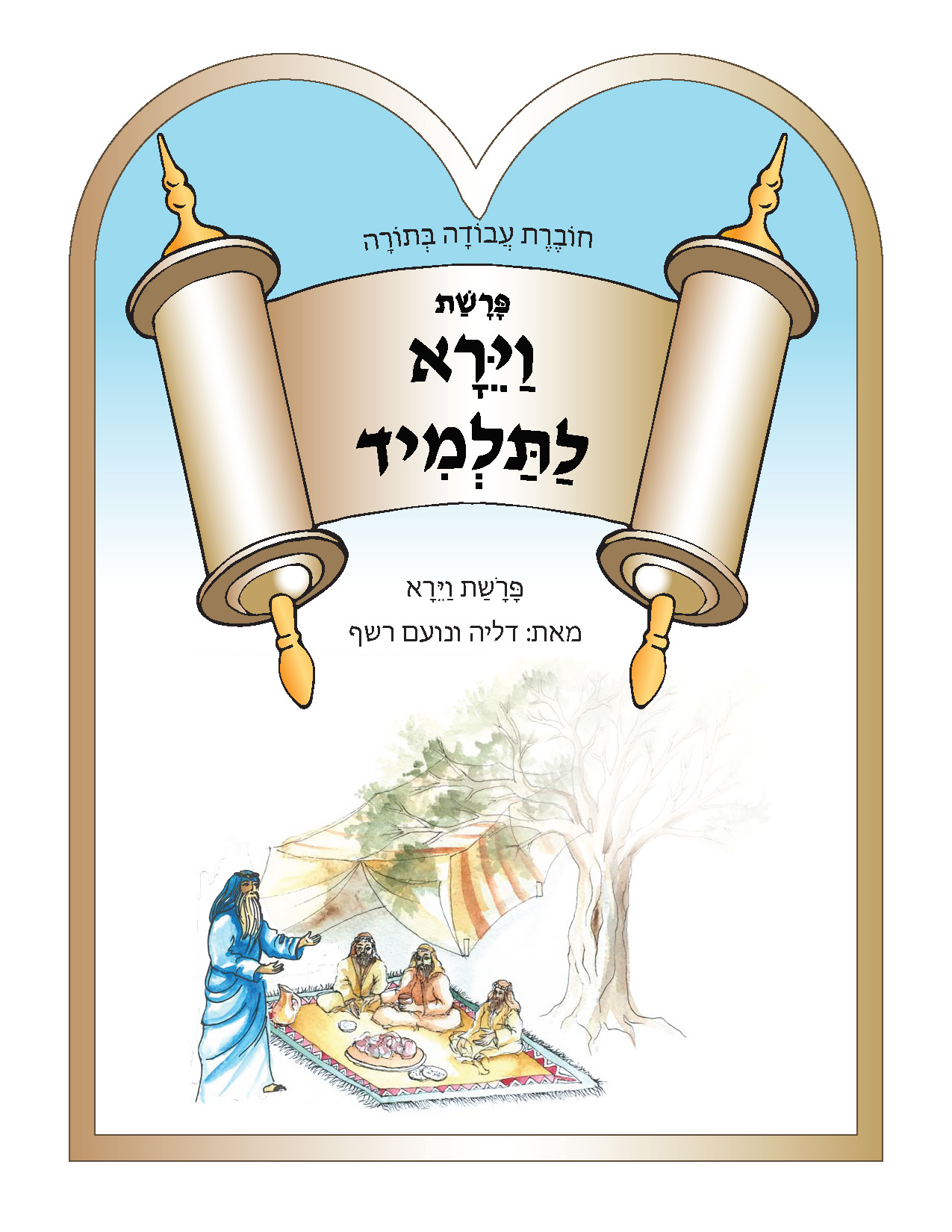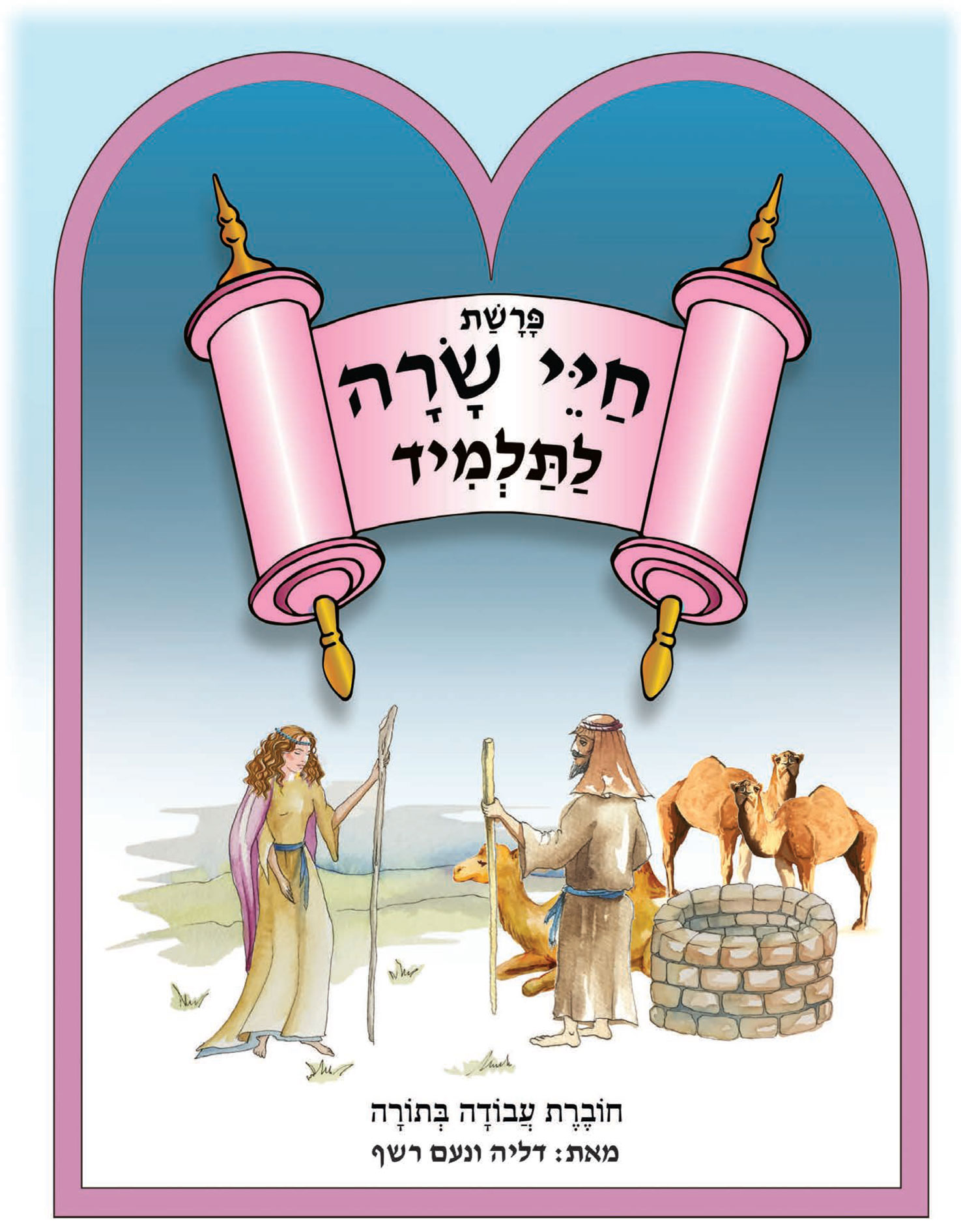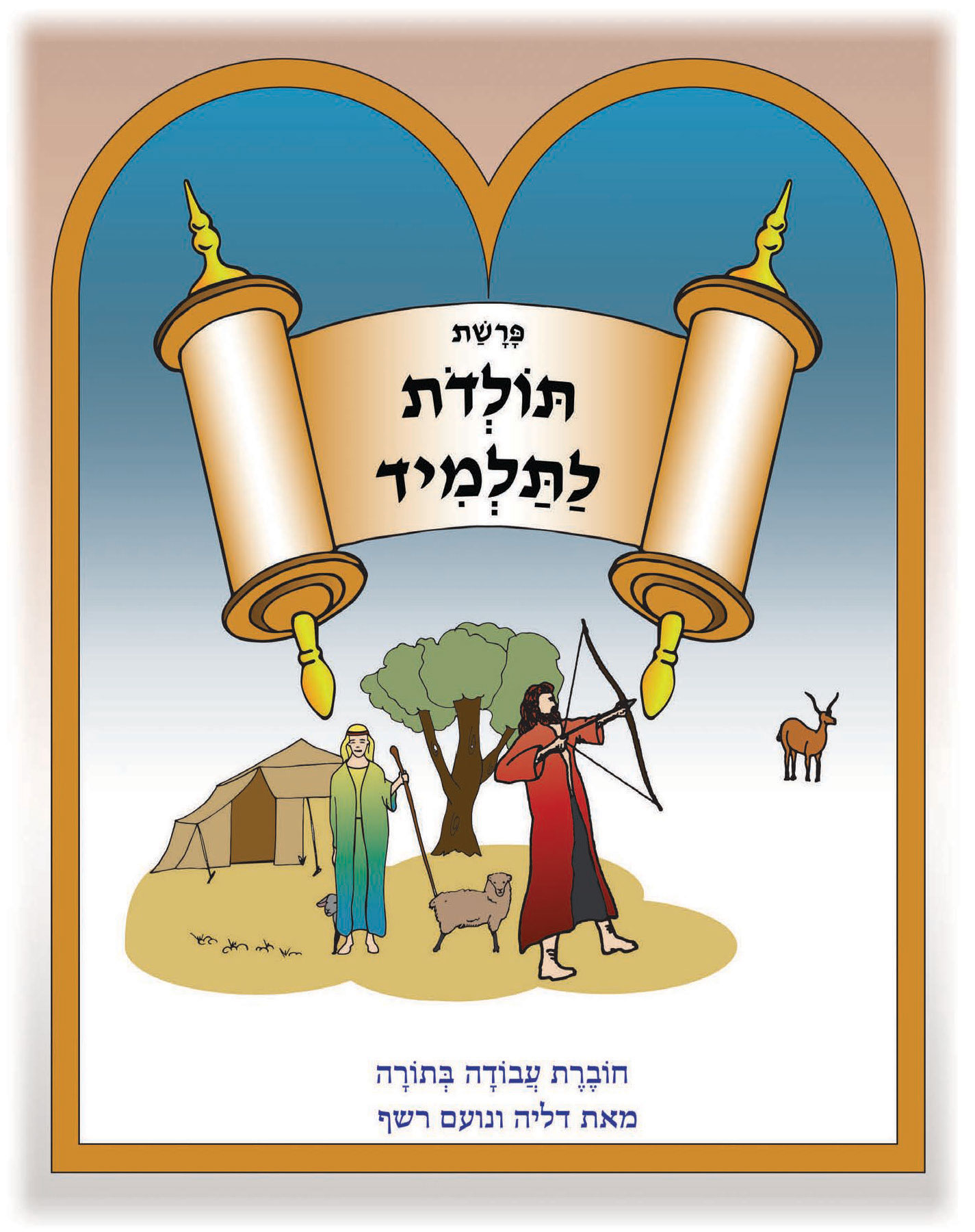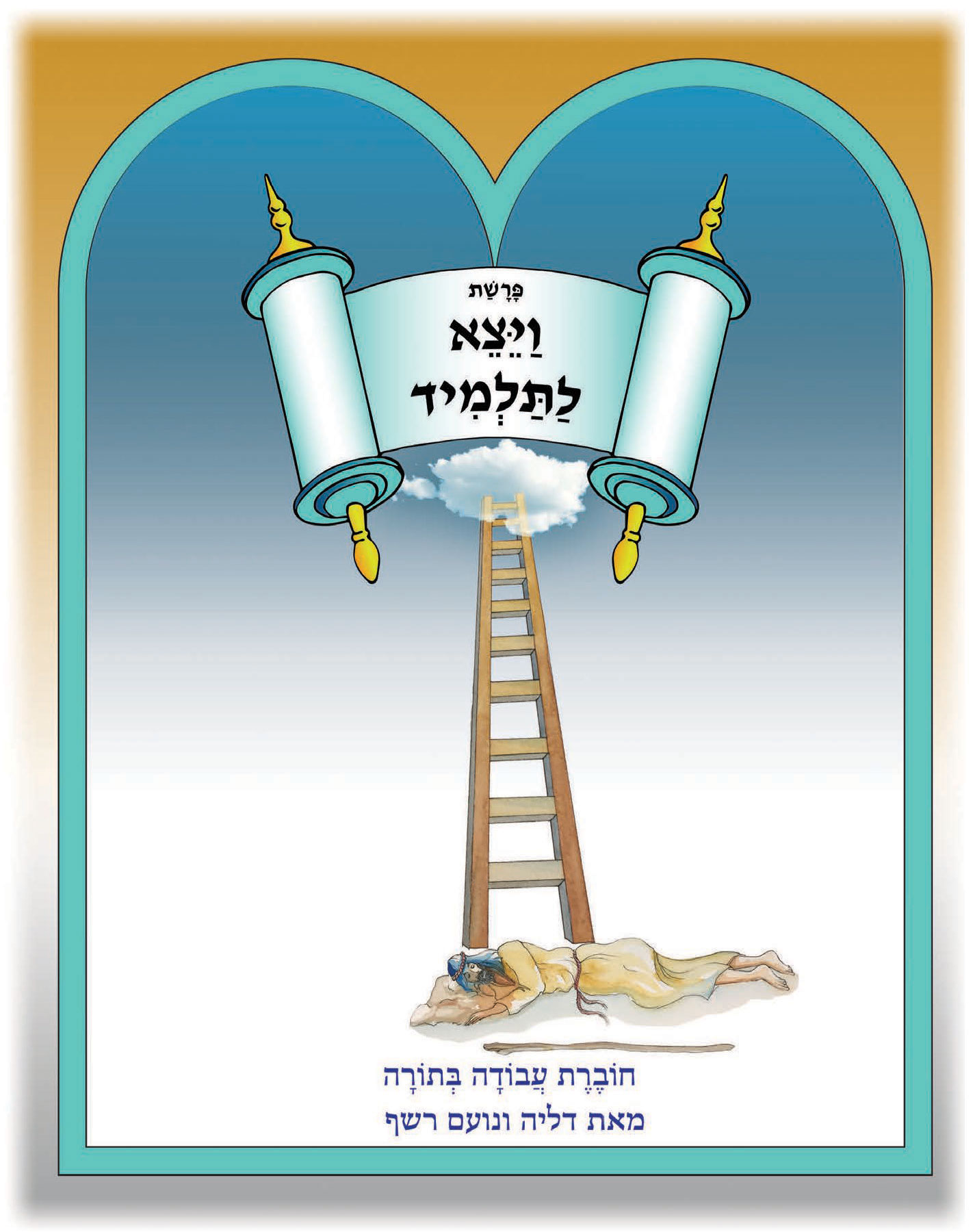
Get Started with e-Chumash!
All of our Chumash workbooks are available in digital format optimized for Smart Board usage and Video Conferencing teaching.
1. Registration & Account approval
If you have not received an email with your account credentials, you may create a new user account here
2. Viewing the digital files for Smart Board and Video Conferencing teaching
Please follow the step by step instructions below for Smart Board and Video Conferencing teaching
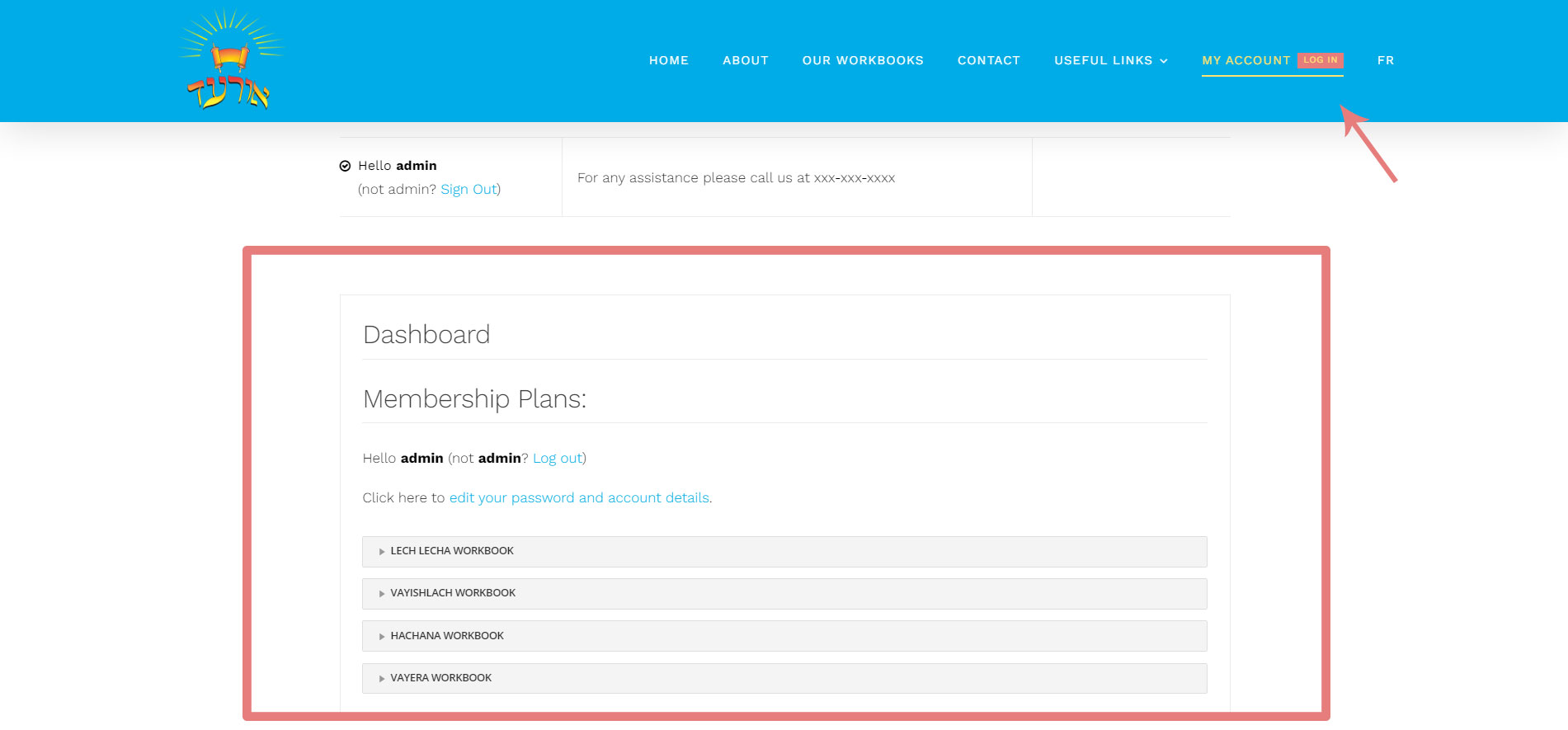
1. Click on “my account” in the main menu to get to this page
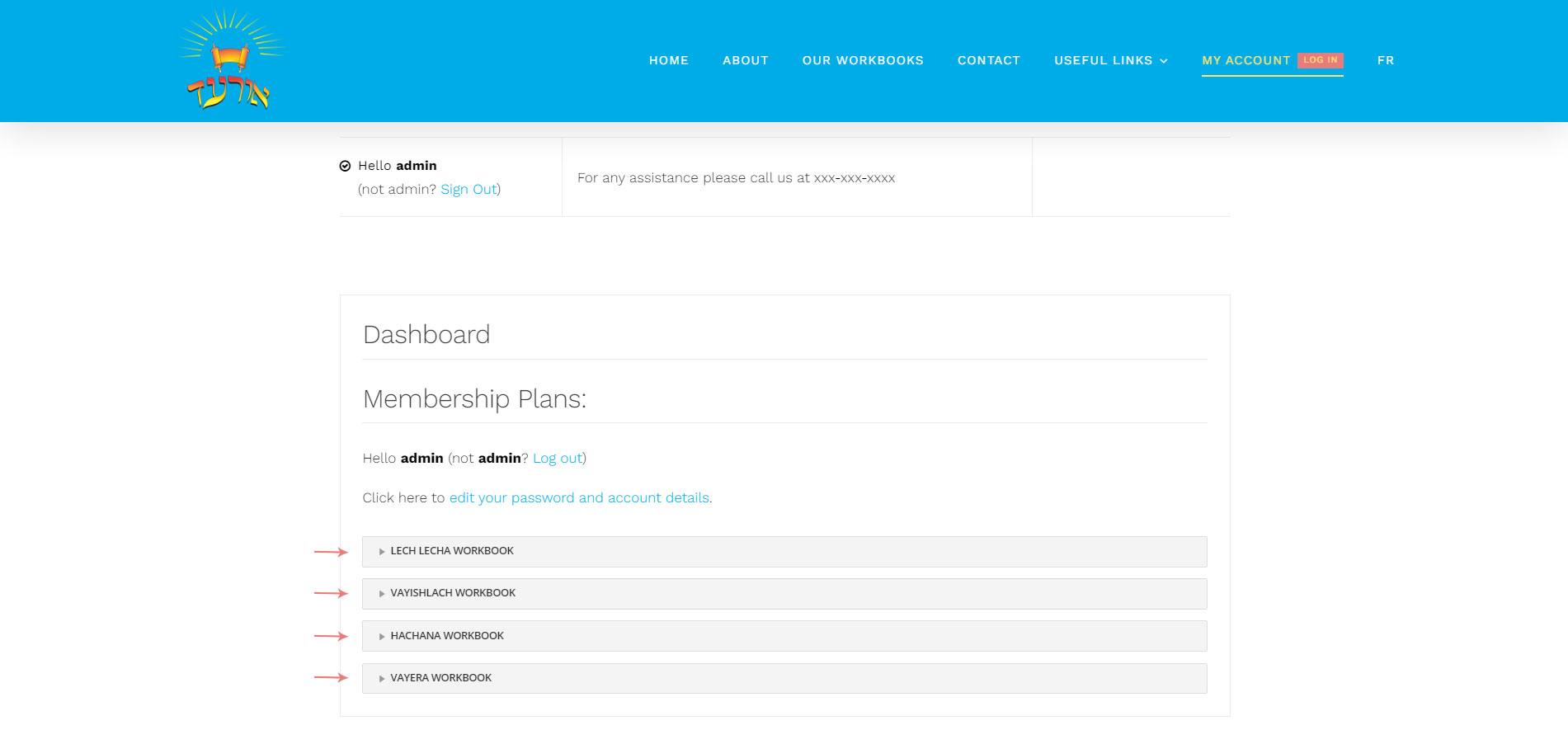
2. Select from your list, the workbook you wish to view
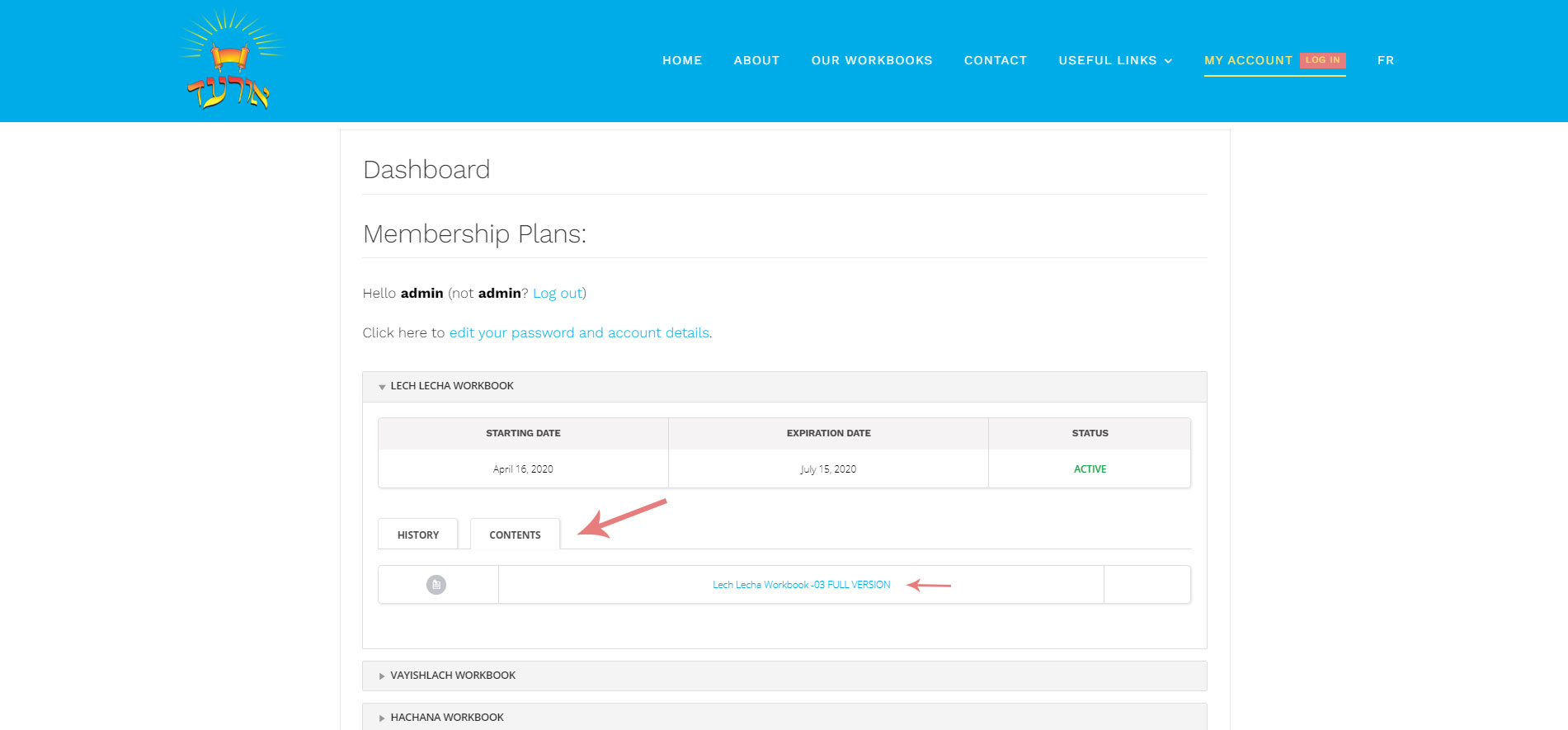
3. Click on the “contents” tab to view the full version of the Chumash workbook
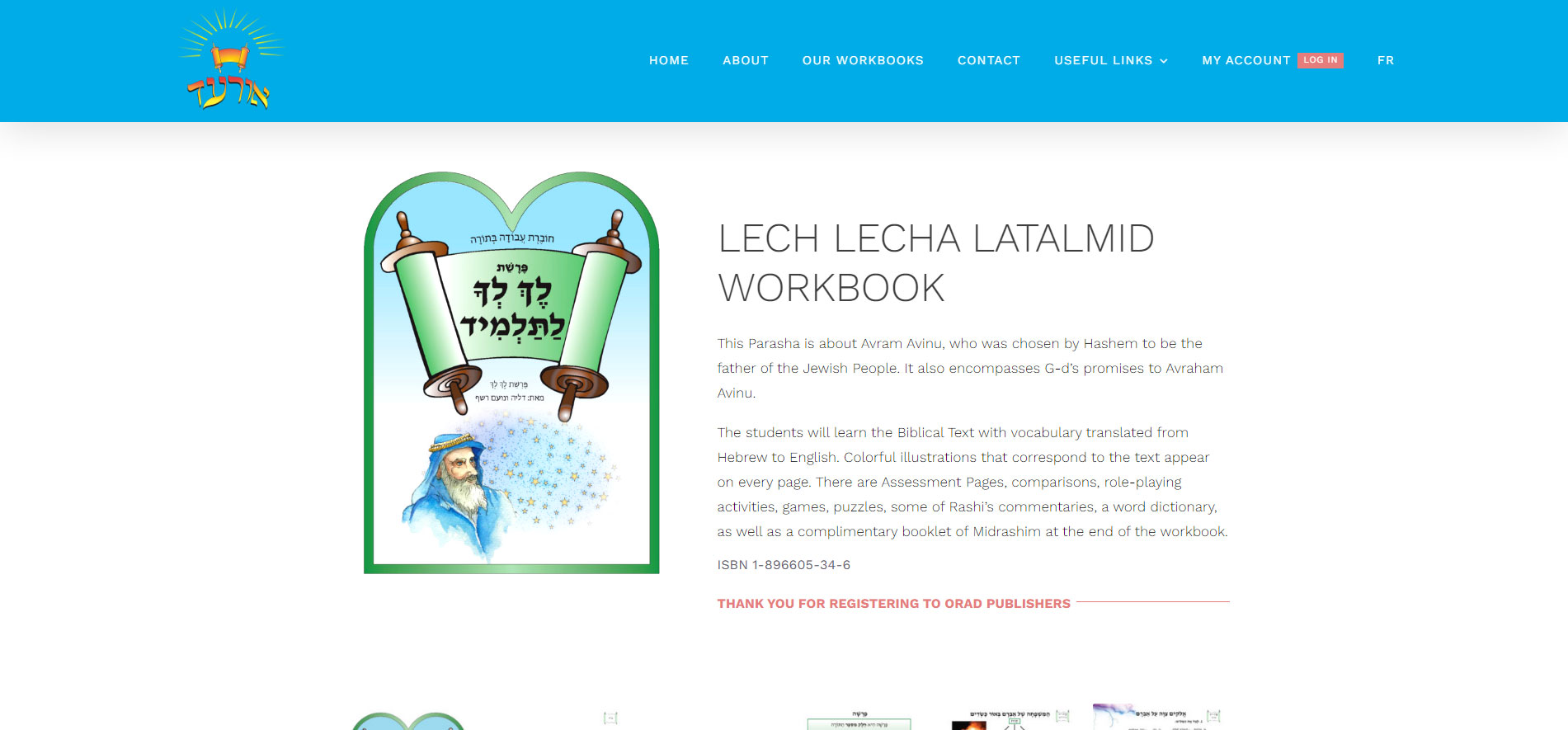
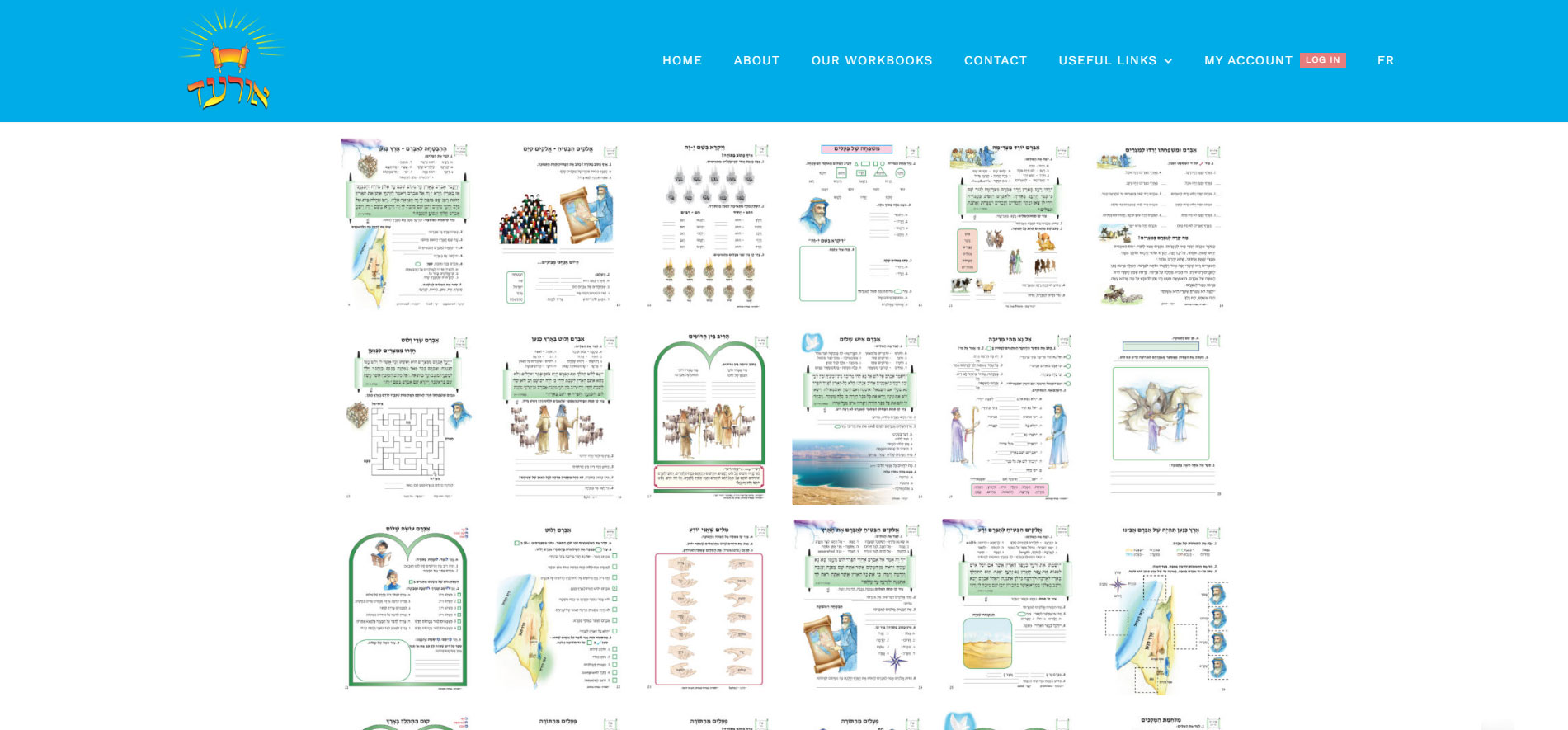
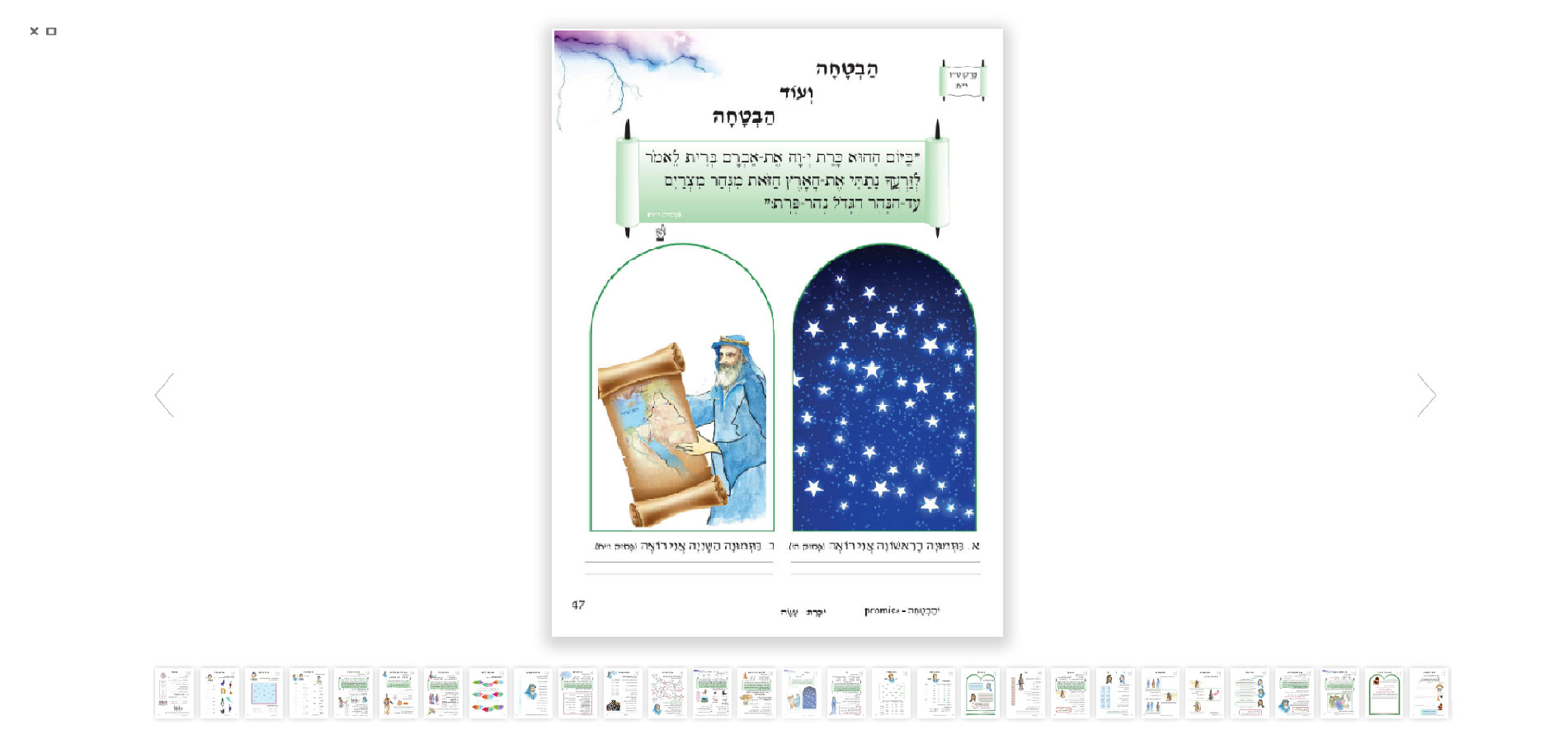
Click on any image from your e-Chumash Workbook page to enlarge and enter an optimized viewing for Smart Board and Video Conference teaching
Download our Zoom Video Conferencing Teaching Guide
We have prepared instruction document for Zoom Video Conferencing.
Click here to view, download and print for your convenience
Don’t forget to consult our E-Learning Terms & Conditions
Explore our Full Collection
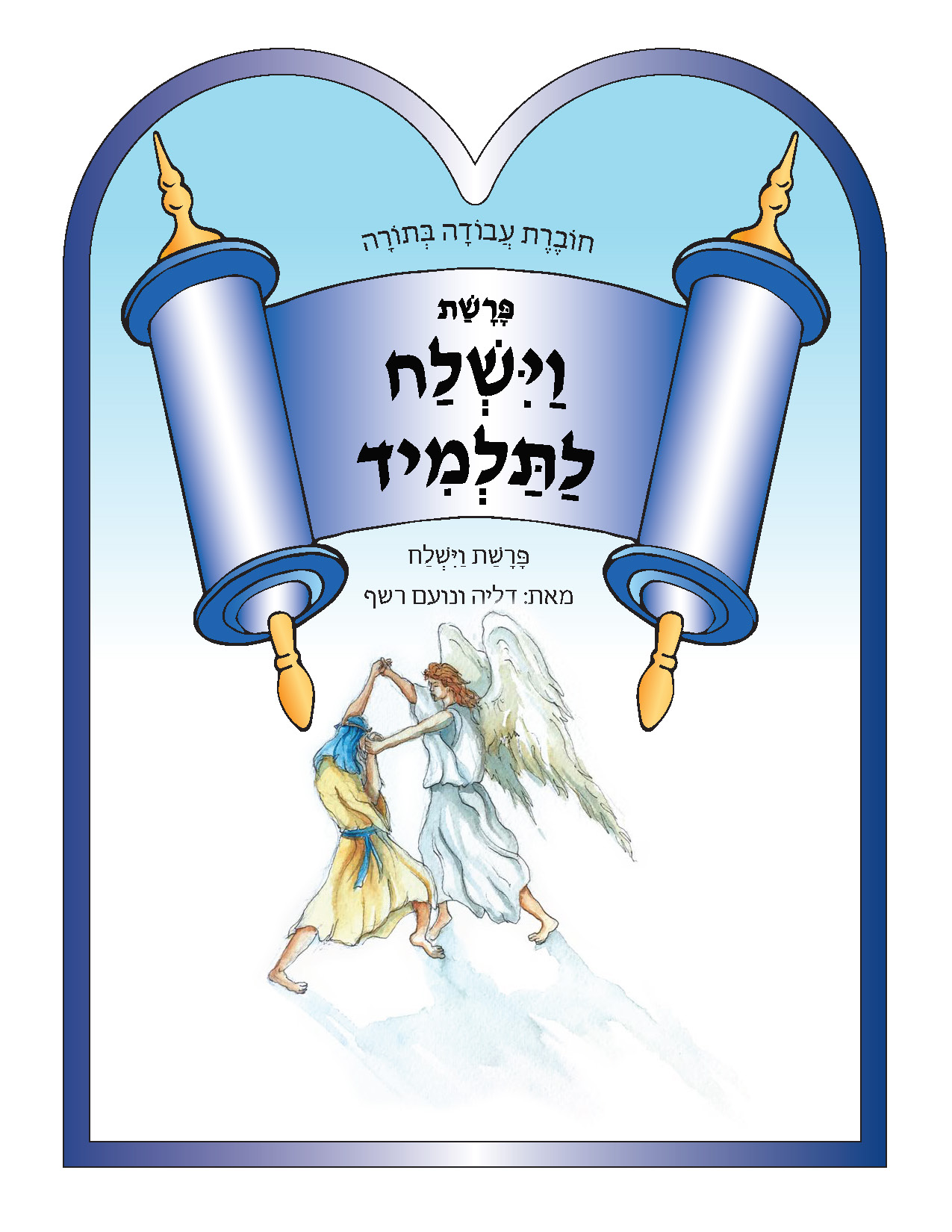
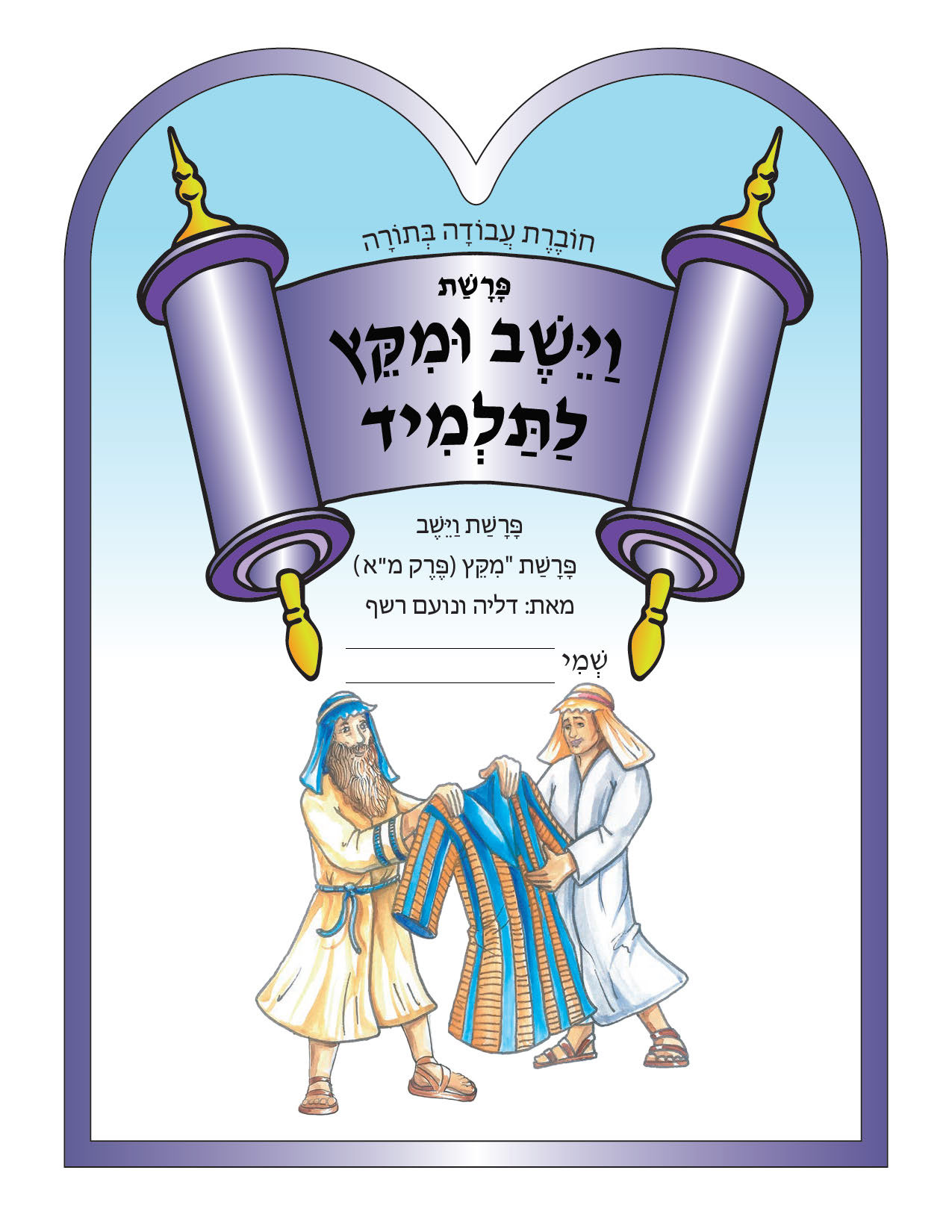
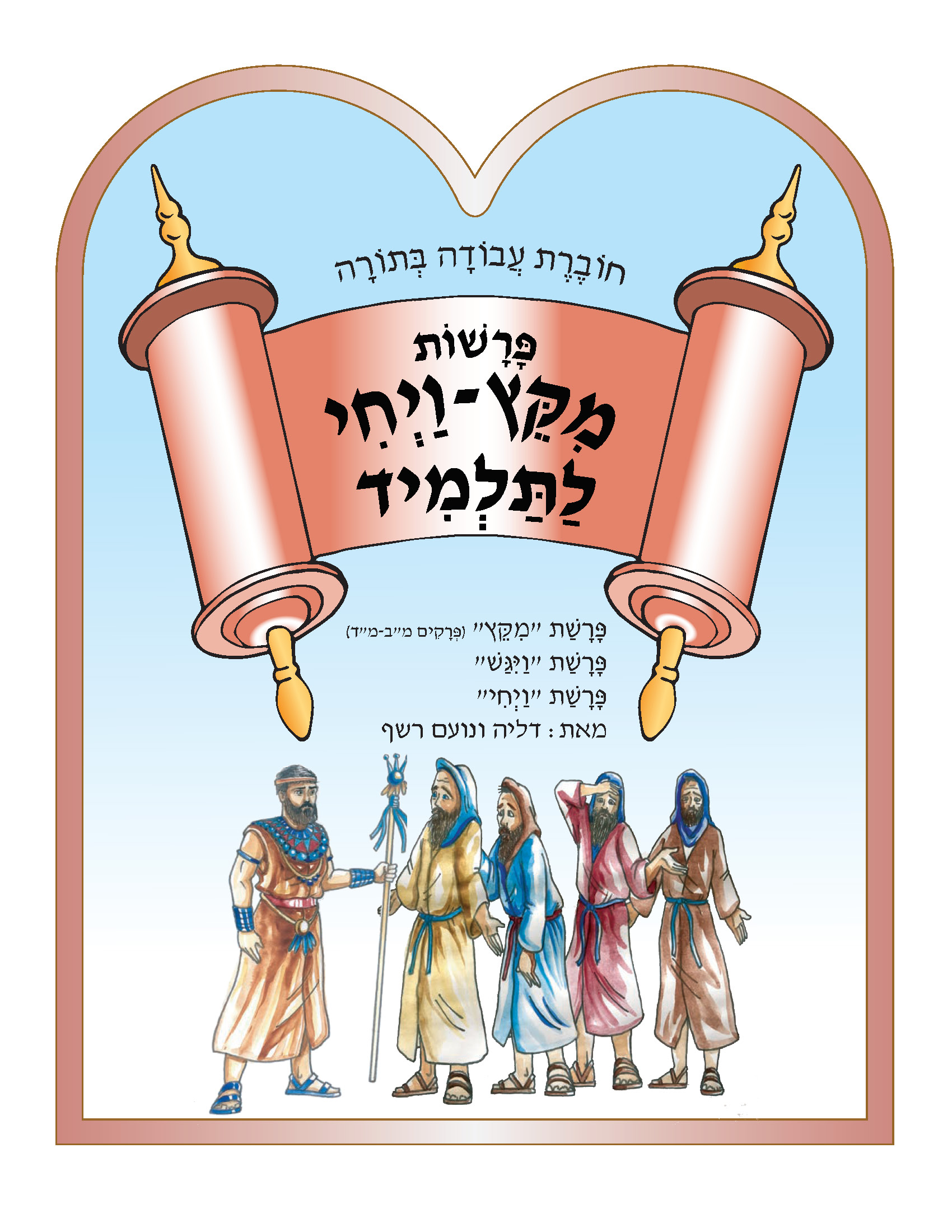
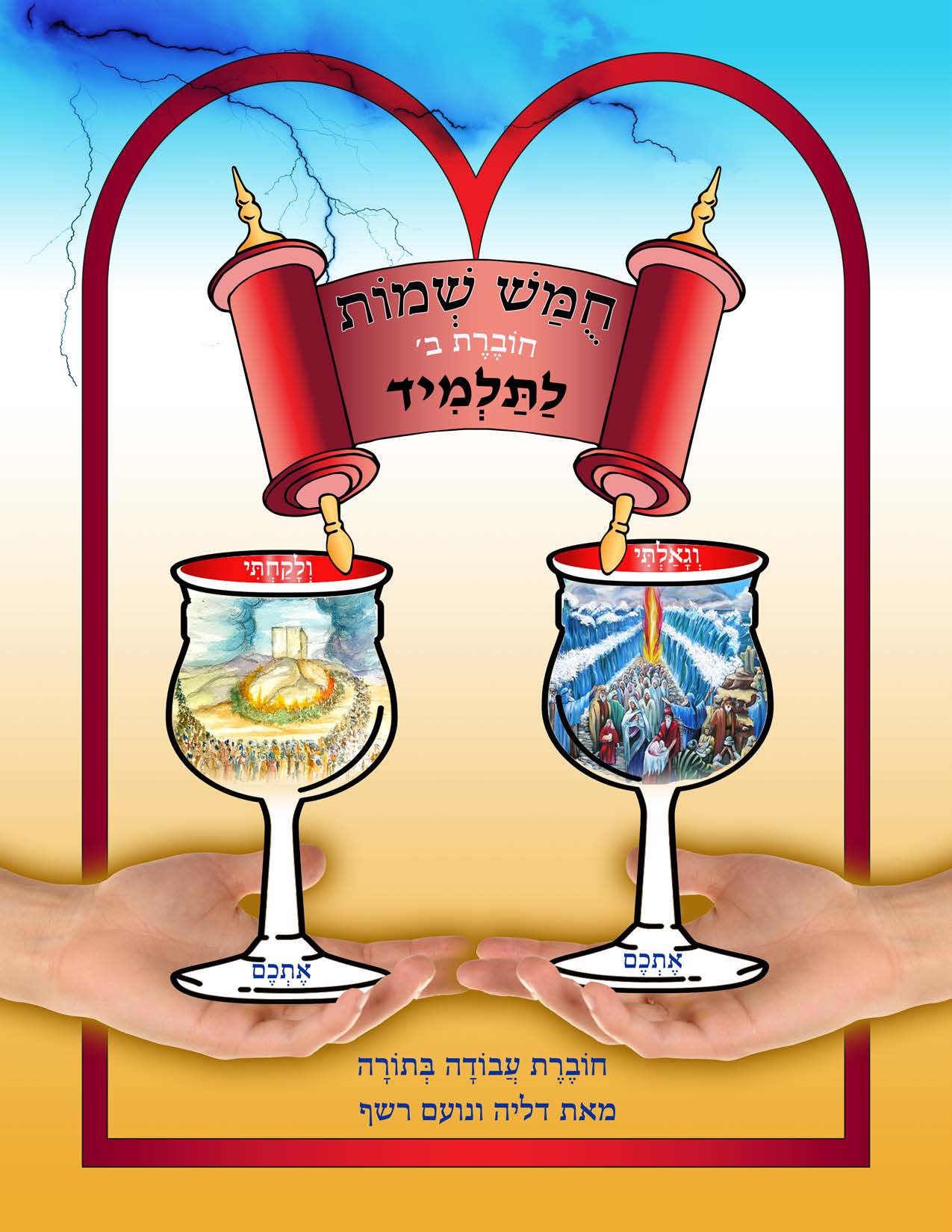
Our Chumach workbooks give students the opportunity to do more than just read and write in Hebrew. You will find games, riddles, conversational pieces and art activities that cater to students and make learning fun!